Playback, embedding and learning data
The player
The player shows the content slide by slide with navigation, optional speech output, quiz questions and — if enabled — a rating page at the end. Using the preview in the editor you check how the content appears to learners before publishing it.
Navigation
Learners page forward and back and see their progress slide by slide. The navigation mode is configurable: free, seen slides only, or strictly linear. On request the player resumes at the last position visited.
Transitions and animations
Slide transitions and appearance effects from the presentation are reproduced in the player. Very special animations that cannot be transferred one-to-one are shown as a static slide — the content always stays visible. The system's reduced-motion setting is respected.
Notes band
Optionally the player shows a notes/subtitle band displaying the current slide's speaker text — running along with the narration or as a transcript to read along. The band can be docked and hidden again.
Comments and tickets
Learners and reviewers can leave feedback on a content item. Via a review link (→ "Content") customers can even comment on a course without logging in. Incoming feedback collects as tickets on your home page, so you can improve content in a targeted way.
Autoplay and saved players
The player's behaviour is broadly configurable: navigation mode, autoplay, resuming, speech output, notes band, rating or completion page. You save a combination of such settings as a player template and apply it to several activities in a course via a bulk action.
Moodle (mod_llp)
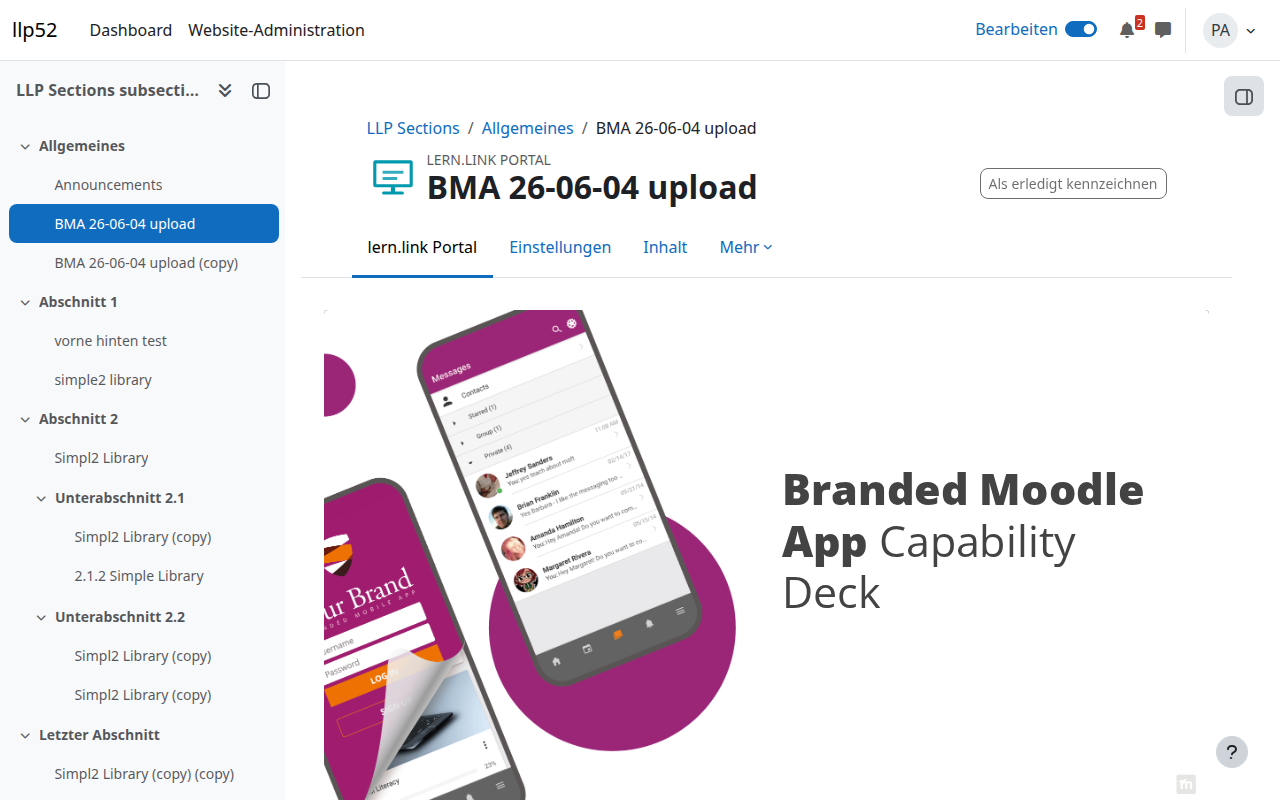
In Moodle the mod_llp plugin embeds the content as an activity. Learning progress and ratings are reported to Moodle. Platform improvements (renderer, AI) reach you automatically without updating the plugin. The plugin is compatible with Moodle 4.5, 5.2 and 5.3 (→ "Integrations").
WordPress (wp_llp)
Content can be embedded in WordPress via a shortcode or a Gutenberg block. For WordPress pages the player shows a radically simple variant by default: paging, progress, fullscreen and playback of already generated audio — without generation buttons, comments or a rating page. If needed, you switch to the standard player via a block/shortcode attribute.
Other LMS via SCORM
Via a SCORM wrapper you play content in any SCORM-capable LMS. The content stays connected online, so improvements and billing continue to apply.
Export as a SCORM package with a licence
When exporting a package you can optionally assign a licence: a label (e.g. customer/environment), a validity date and a learner quota (counts unique learners package-wide) — empty means unlimited. The package binds to its LMS domain on first start; seats control the number of domains. Packages can be locked, unlocked and reset. Once the licence has expired or the quota is used up, learners see a notice instead of the content.
Export to an open format or a PPTX round-trip is planned for a later stage.
Learning data
If the target LMS supports it, progress, quiz results and completion are reported — in Moodle via the gradebook, additionally as xAPI learning data. Which data is collected depends on the configuration of your organisation and the LMS. Granular xAPI/LRS analytics (dropout, quiz heatmaps) are planned for a later stage.